Build a Template
A template defines the record type a bulk record sheet works with, the columns it contains, the filters available for downloading, and the dropdown lists on its columns. Templates are built in the Template Portal.
Before You Start
Open an existing record of the same type in NetSuite, one your team created the usual way, and keep it beside the portal while you build. A template is typically set up once and reused, and the record answers most of the questions the editor asks:
- Which custom form to choose on Basics: the record's Custom Form field.
- Which columns to include on Columns: the fields your team actually fills in. Leave out the rest to keep the sheet narrow.
- Which columns to mark Required or Read only: fields the form requires, and fields NetSuite fills in itself, such as totals and document numbers.
- Which dropdown lists the columns need on Dropdowns: the lists those fields draw from, such as terms or locations.
The Template Editor
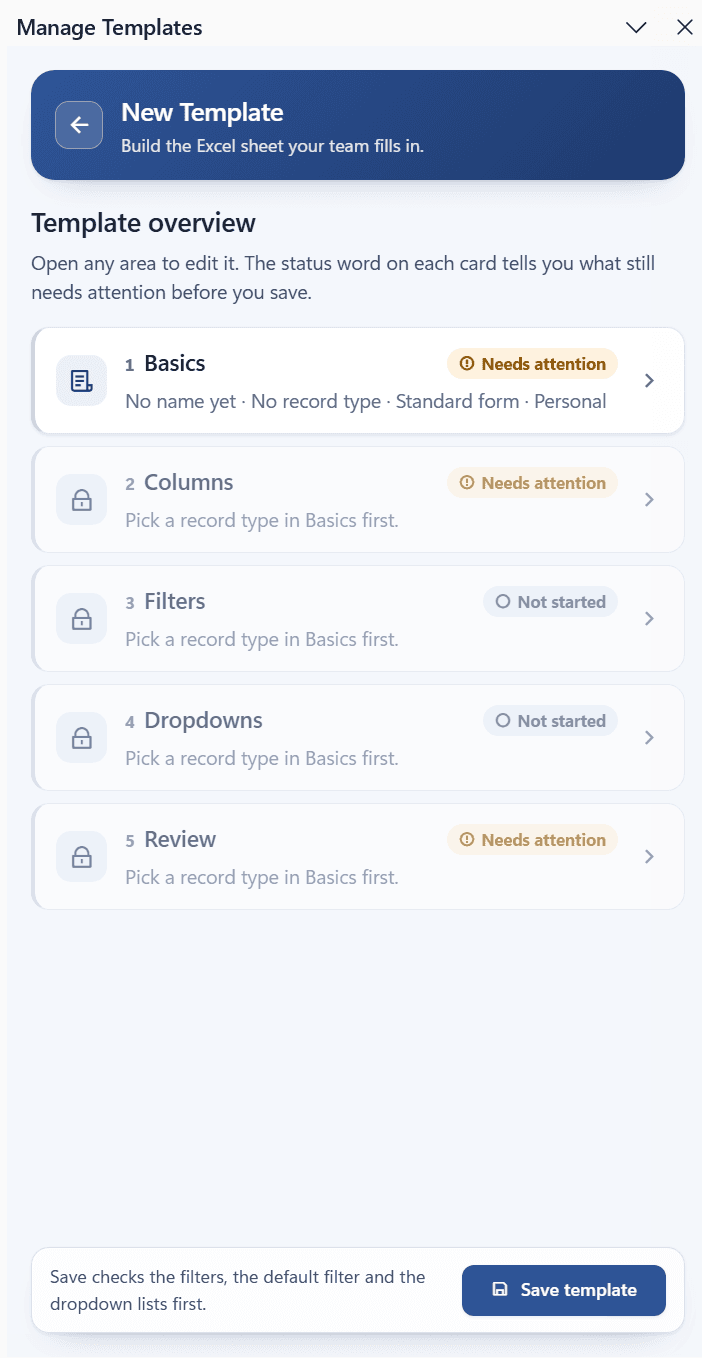
Select New on the Templates page to start a template, or select an existing card to edit one. A new template opens on Basics. The editor's hub, Template overview, lists five areas: open any area, make your changes, and select Overview to return to the hub.
| Area | What you set there |
|---|---|
| Basics | Name, record type, custom form, visibility, and optional row grouping. |
| Columns | Which fields become columns, their order, and per-column settings. |
| Filters | The Filter By choices offered on the sheet and a default filter applied to every download. |
| Dropdowns | The source of the dropdown list on each column and filter. |
| Review and Save | A summary, warnings, and the Save template button. |
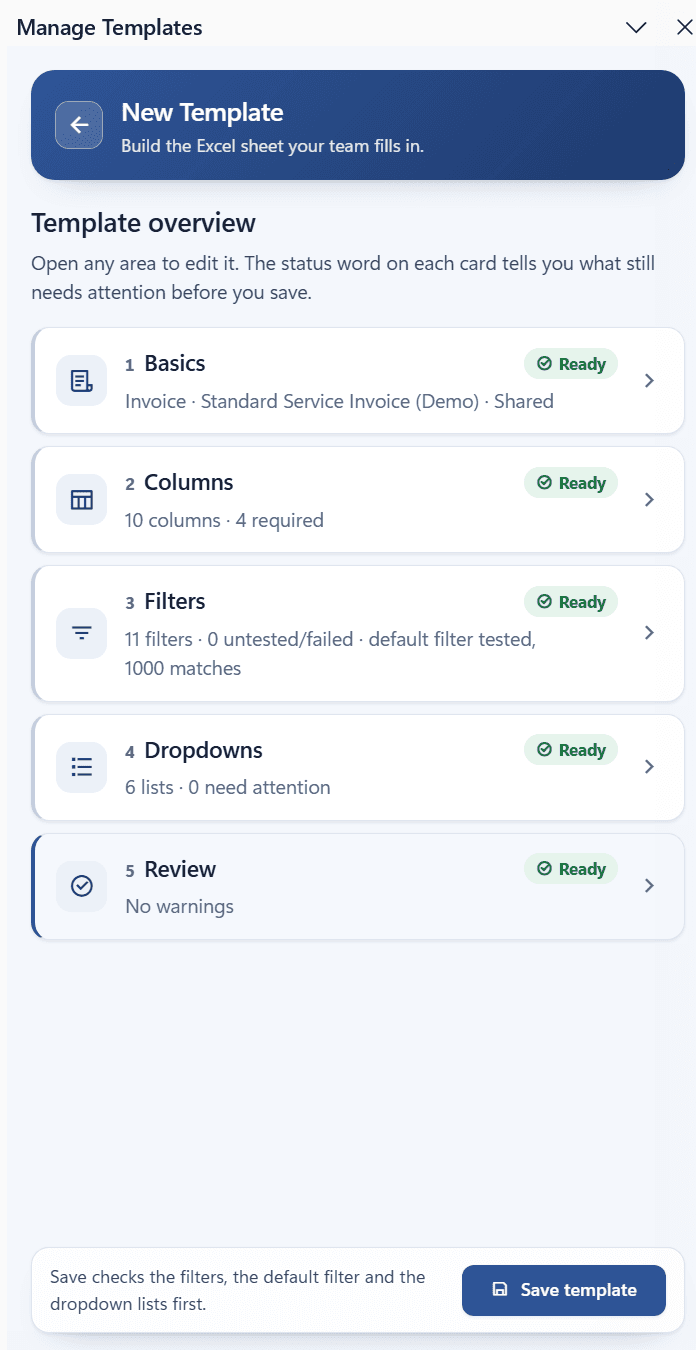
Each card shows a status word: Ready, Needs attention, or Not started. The areas other than Basics stay locked until a record type is chosen, and read Pick a record type in Basics first. until then.
Remarks
- The editor reads field lists, tests filters, and fetches dropdown values live from NetSuite through your Excel session. A message such as
Contacting NetSuite for the fields on this form...appears while that happens. - Save template is available on the hub and on the Review area. Saving checks the filters, the default filter, and the dropdown lists first, and tells you what still needs attention.
Next step: Basics