Tree Options
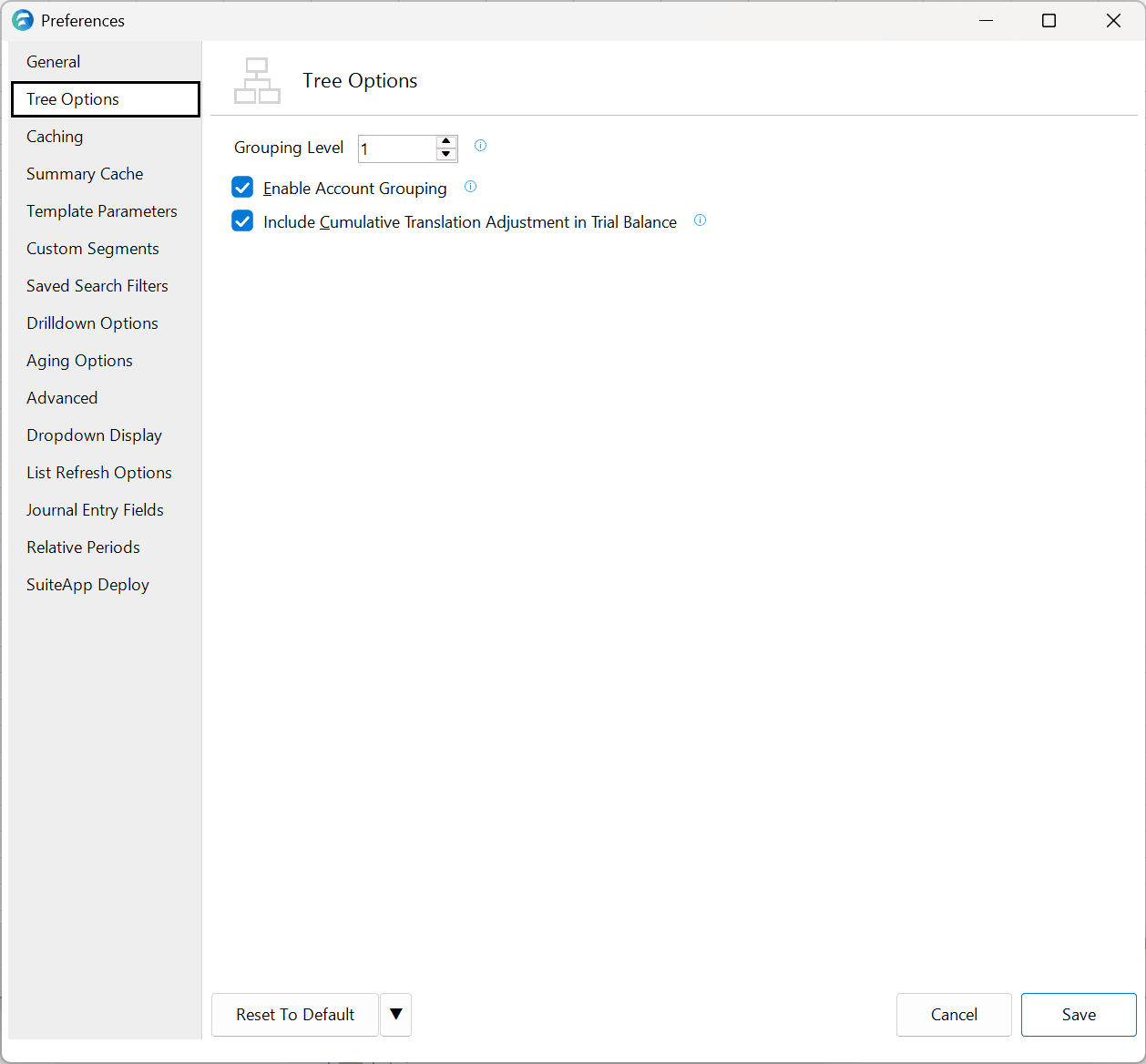
The Tree Options pane is one of the panes in the Finsyte Preferences dialog, opened from Help > Preferences in the Finsyte ribbon.
| Option | Description | Default |
|---|---|---|
| Grouping Level | When utilizing Standard Report Templates, a tree structure of grouping levels for accounts is created based off the GL Account levels. This Grouping Level option indicates how expanded or collapsed a user would like their template to appear upon initial creation if the Enable Account Grouping checkbox is checked. | 1 |
| Enable Account Grouping | Enabling Account Grouping will ensure that outline levels (grouping) are displayed by default when a Standard Report Template is created. Unchecking this option will result in all accounts levels being displayed. | Checked |
| Include Cumulative Translation Adjustment in Trial Balance | Includes the row and formula for the Cumulative Translation Adjustment in the Trial Balance Template. | Checked |