Journal Entry Fields
The Journal Entry Fields pane is one of the panes in the Finsyte Preferences dialog, opened from Help > Preferences in the Finsyte ribbon.
If your company is utilizing Custom Segments and/or Custom Fields inside of NetSuite, any segments outside of the defaults of Location, Department and Class, can be used in a Journal Entry Template. Finsyte makes it easy to manage which custom segments are available for use within the Preferences dialog.
- Any custom segments or custom field that your company has set up in NetSuite will be visible on the left hand side dialog called Available Fields
- Select Any/All custom segments/fields that you want included and visible in the Journal Entry template and select an Add option
- Order the segments using the Move Up and Move Down buttons. This will determine which order the segments appear in the template
- Once the segments are set up, select Save.
The settings here...
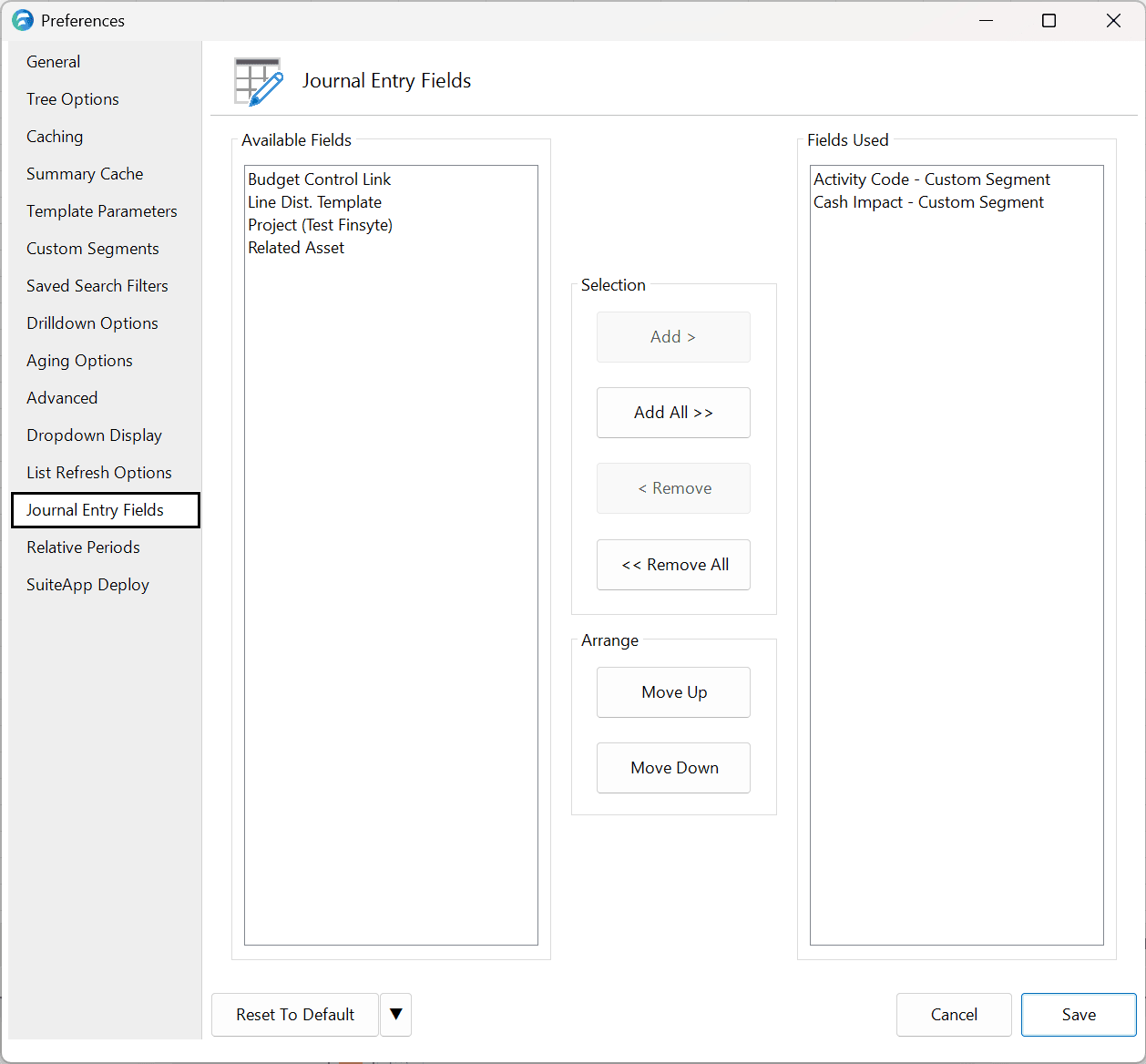
Results in the Journal Entry template including these options...

Note: Custom Segments set up in Preferences are applied to only the individual Finsyte instance, not the entirety of a company.