Aging Options
The Aging Options pane is one of the panes in the Finsyte Preferences dialog, opened from Help > Preferences in the Finsyte ribbon. It controls the time buckets used by the Aging Summary.
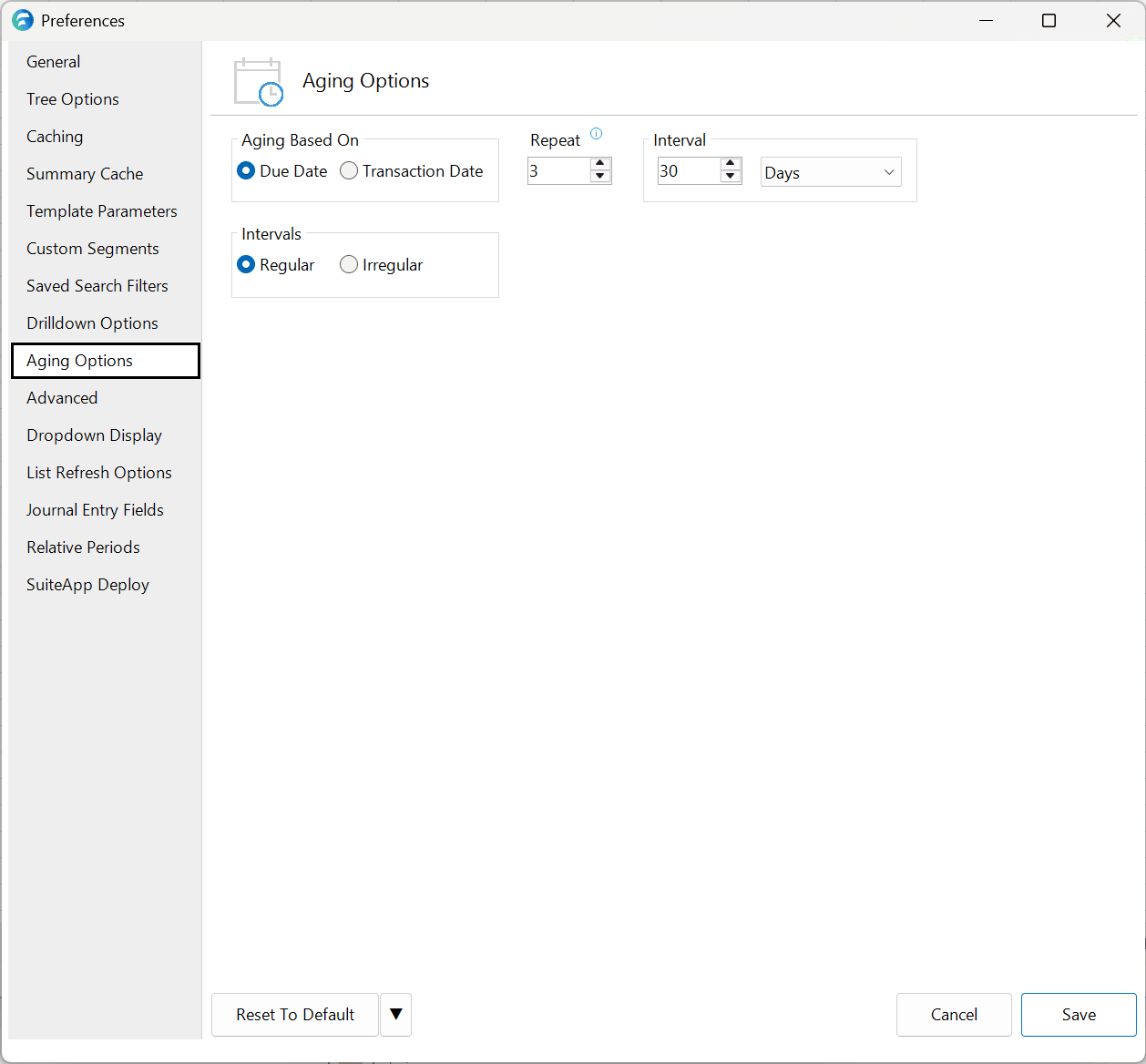
| Option | Description | Default |
|---|---|---|
| Aging Based On | Determines the date that will be used to evaluate aging buckets. | Due Date |
| Repeat | Determines the number of separate time buckets show in the aging report by repeating the interval that many times. An additional column displaying a summary Greater than the max date range will always be displayed as well (ex: >90 Days). | 3 |
| Interval | Determines the number of Days, Weeks, Months or Periods included in each time bucket of the aging report. | 30 Days |
| Intervals set to... | Regular will utilize the Repeat and Interval options explained above to create the aging report. Irregular allows a user to manually enter the specific day count for each time bucket in the aging report. | N/A |
These settings determine the time buckets shown when you create an Aging Summary.