Caching
The Caching pane is one of the panes in the Finsyte Preferences dialog, opened from Help > Preferences in the Finsyte ribbon.
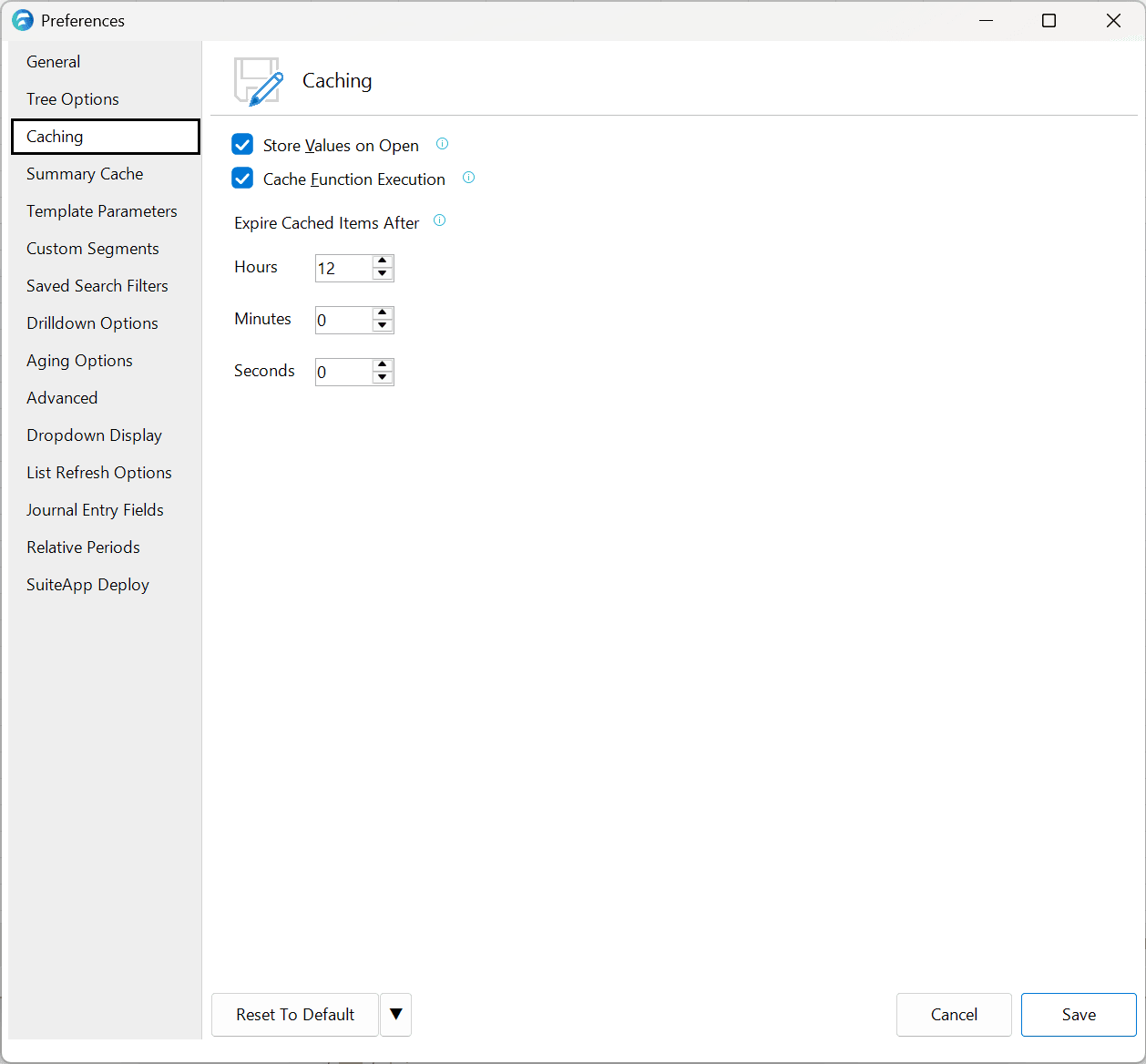
| Option | Description | Default |
|---|---|---|
| Store Values on Open | Stores function execution values temporarily in memory upon opening a workbook. When unchecked, function calculations will trigger calls to NetSuite to recalculate the value. When checked, the current state of the workbook is preserved, and refresh will only occur when the cached values expire or if the sheet or workbook is refreshed via the Refresh option in the ribbon | Checked |
| Cache Function Execution | Stores calculated NetSuite function results temporarily in memory to ensure more efficient results upon editing reports or changing parameters | Checked |
| Expire Cached Items After | Determines how long the saved NetSuite function cache (different from List Cached values) will be maintained before a new NetSuite call will occur if re-run, specified in hours, minutes, and seconds | 5 minutes |
For precomputing closed-period balances into a local database for dramatically faster balance sheet queries, see the Summary Cache pane.