Summary Cache
The Summary Cache pane is one of the panes in the Finsyte Preferences dialog, opened from Help > Preferences in the Finsyte ribbon.
The Summary Cache pane precomputes the balances for your closed periods into a local database, so opening balances load instantly from that local cache instead of Finsyte querying NetSuite for the full transaction history back to inception. Balance sheet account queries — which rely on inception-to-date opening balances — become dramatically faster as a result.
Enable it once, and Finsyte handles the rest. Turning the cache on starts the build automatically, and as long as you close your periods in NetSuite, that initial build delivers a substantial, lasting performance increase. From that point forward Finsyte keeps the cache current on its own — detecting newly closed periods, and re-caching any closed period that is reopened, changed, and closed again — so you never have to rebuild it under normal use.
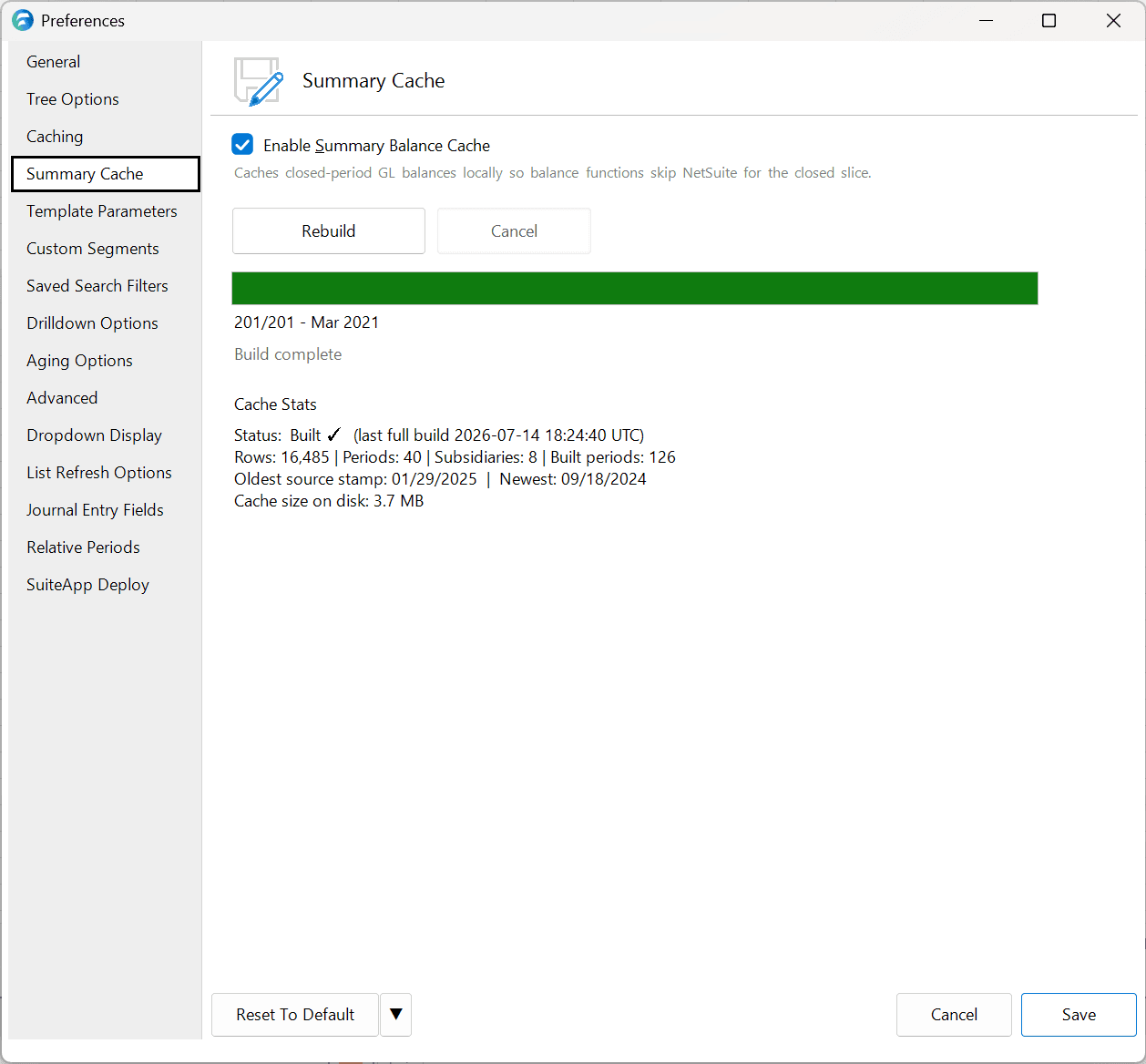
| Option | Description | Default |
|---|---|---|
| Enable Summary Balance Cache | Turns the cache on or off. When checked, Finsyte precomputes the balances for all of your closed periods into a local database and builds the cache automatically. Unchecking it stops Finsyte from using the cache and returns to querying opening balances live from NetSuite; rechecking it turns the cache back on and rebuilds it automatically. | Unchecked |
| Rebuild | Forces Finsyte to recompute the entire cache from scratch. Only needed if you encounter an issue — enabling the cache already builds it, so routine use never requires it. | N/A |
How It Works
- Faster balance sheet queries. Opening (inception-to-date) balances load from the local cache rather than Finsyte querying NetSuite for the entire transaction history, so balance sheet account queries — including GLAccountSummaryBalance and other GL account balance functions — return much faster.
- Works with all your segments. Standard NetSuite segments and custom segments are both fully supported in the cached balances.